
A Welcoming Stay in the
Heart of Cairo
Discover comfort, convenience, and a memorable city stay at Cleopatra Hotel Cairo, where classic hospitality meets a prime urban setting.
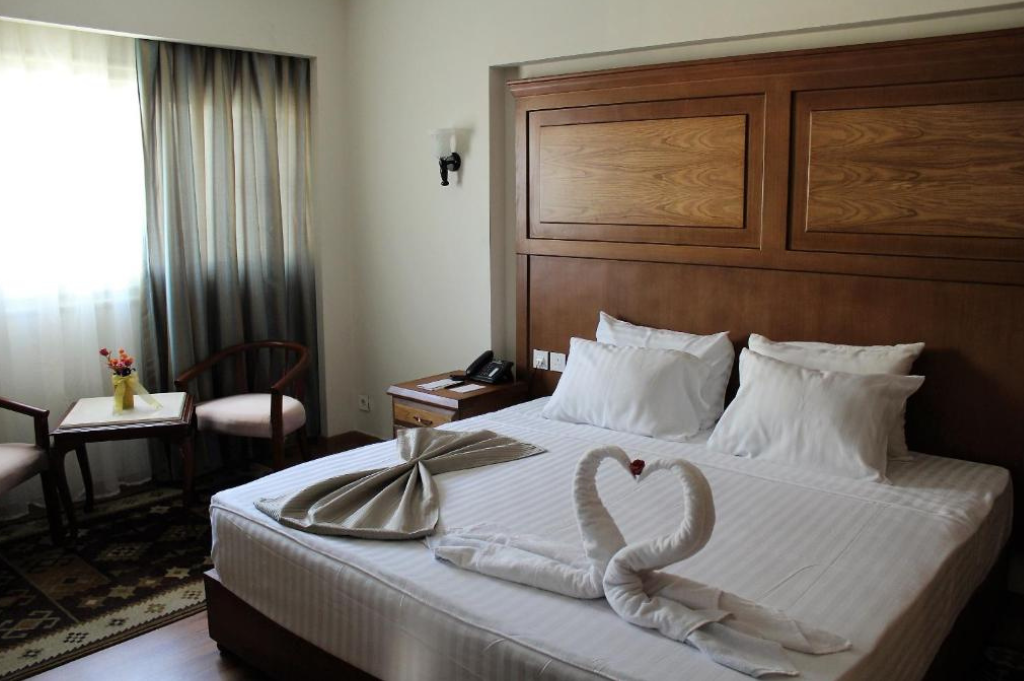
Classic Hospitality in a Prime Location
Comfortable Rooms
0
Location Score
0
Guest Rating
0
Min To Metro Station
0
A welcoming stay in the heart of Cairo.
- About Cleopatra Hotel
A Comfortable Stay in One of Cairo’s Most Vibrant Areas
Cleopatra Hotel Cairo offers a welcoming atmosphere, comfortable accommodations, and a convenient city setting for travelers looking to explore Cairo with ease.
Set in a lively part of Cairo, the hotel offers guests easy access to the city’s atmosphere, landmarks, and everyday convenience.
The hotel is designed to provide a relaxing experience with inviting rooms and a pleasant setting for both short and extended stays.
From arrival to departure, guests are welcomed with attentive service and a friendly atmosphere that makes every stay more enjoyable.
+201201222376
Get in touch for more information.
- Our Gellary
A Glimpse of Luxury.
Discover refined comfort, elegant spaces, timeless design, and unforgettable moments of indulgence.
Ready for a Luxurious Stay?
Experience comfort, elegance, and unforgettable moments at our hotel.
- Guest Services
Thoughtful Services for a More Comfortable Stay
From round-the-clock assistance to daily housekeeping and convenient in-room dining, Cleopatra Hotel Cairo offers practical services designed to make every stay smoother and more comfortable.
Laundry & Dry Cleaning.
Practical laundry and dry-cleaning services to help you stay fresh throughout your visit.
24-Hour Room Service
Enjoy convenient in-room dining at any time, designed to fit your schedule with ease.
Housekeeping Service
Housekeeping ensures clean, comfortable, and pleasant rooms.
24/7 Front Desk
Round-the-clock assistance for check-in, inquiries, and support whenever you need it.
What stood out most during my stay was the excellent treatment and the continuous support from the hotel staff. The team was friendly, helpful, and made the overall experience more comfortable.
Khalid
Booking.com Review
- Guest Reviews
What Guests Appreciate Most
Verified guest feedback often highlights the hotel’s central location, helpful staff, and pleasant overall stay.
Verified Reviews
Booking.com
Average Rating
- FAQs
Details That Matter for Your Comfort.
Guests staying at Cleopatra Hotel can enjoy a highly rated breakfast during their stay, with a guest review score of 7.3.
Room options at Cleopatra Hotel include:
Double Room
Single Room
Suite
Check-in at Cleopatra Hotel starts from 2:00 PM, and check-out is until 12:30 PM.
Prices at Cleopatra Hotel may vary depending on your stay details, such as travel dates and the hotel’s booking policies.
- 24/7 Guest Support